

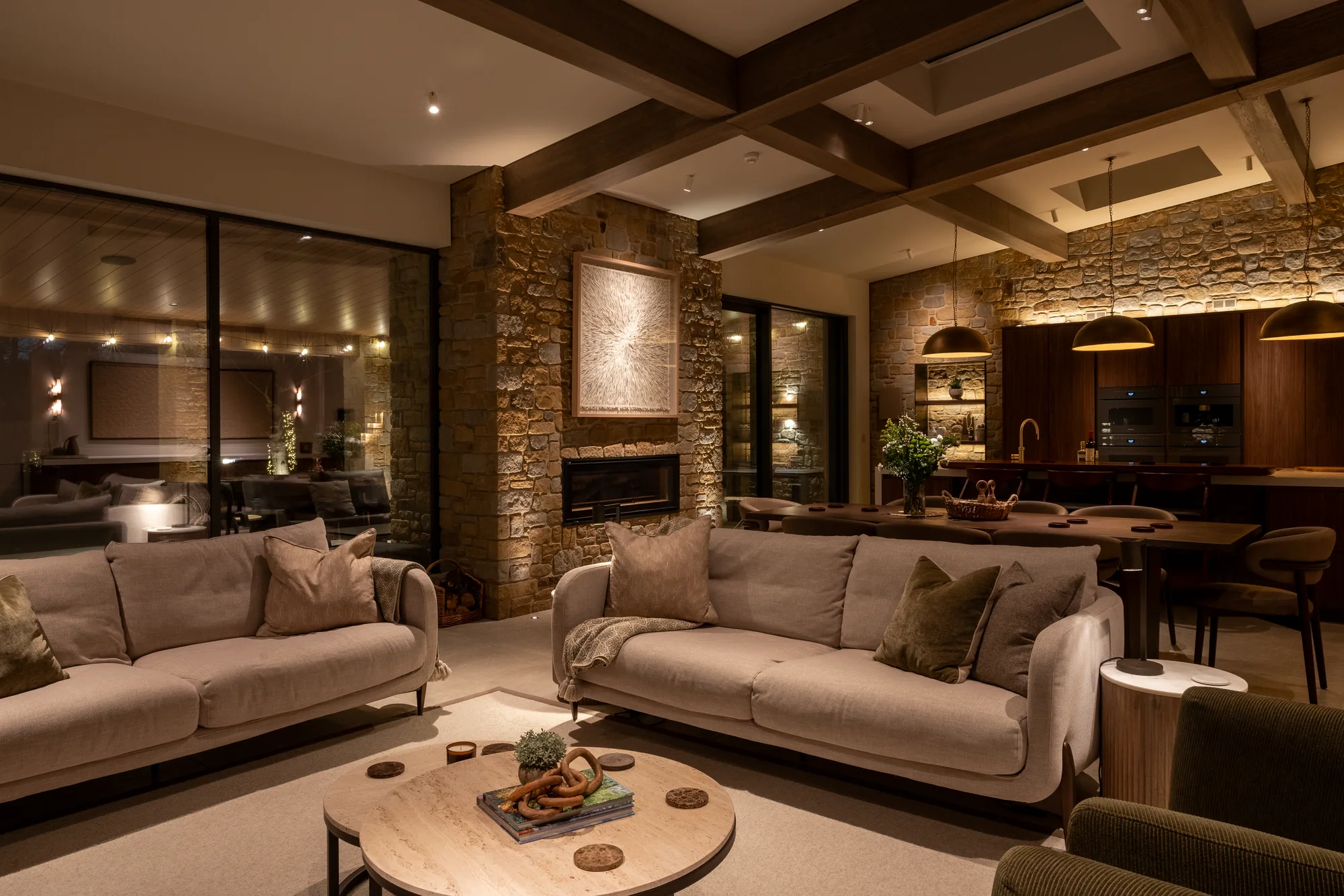
Coverage everywhere, and a connection that holds.
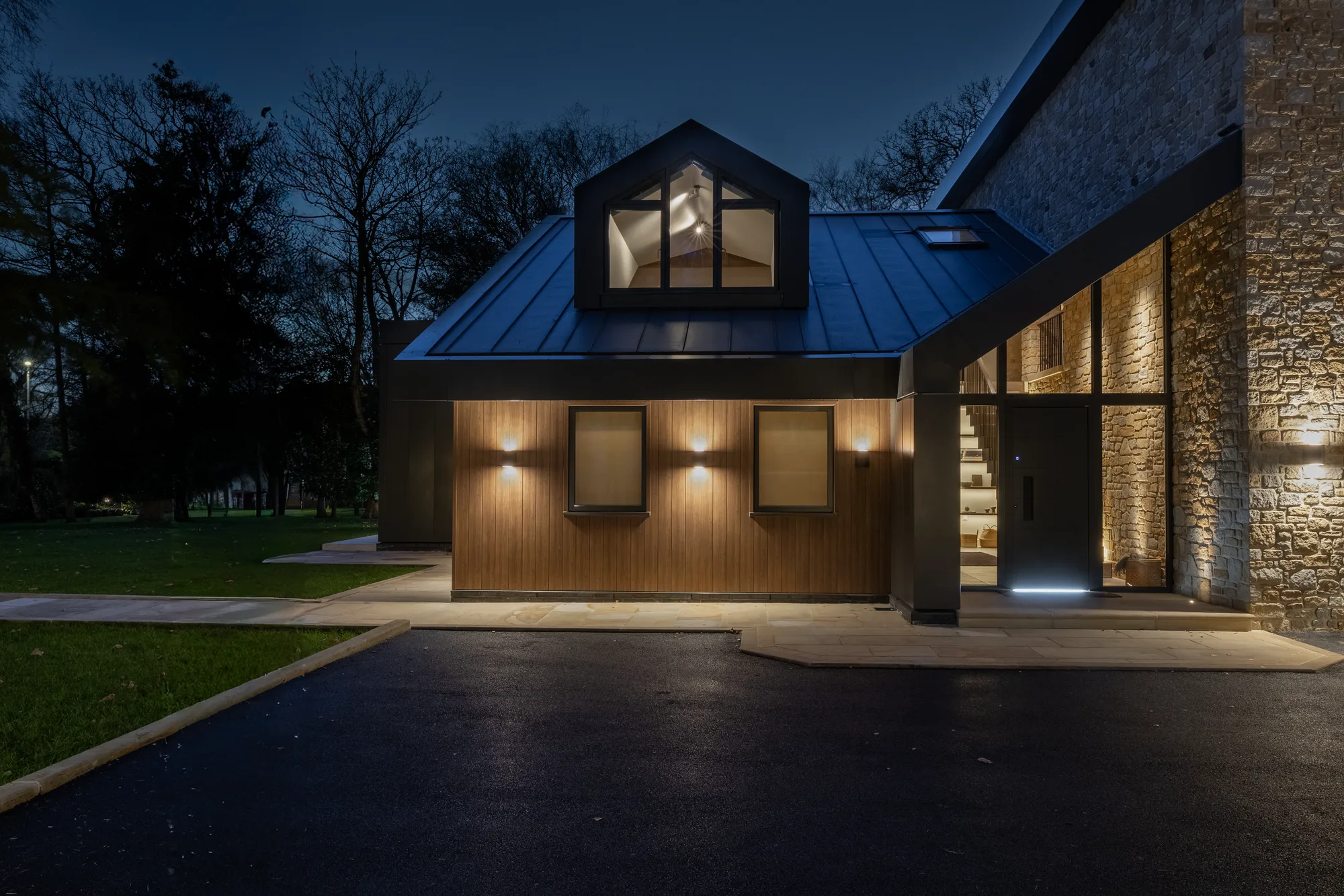
Every system in a modern house runs over the network, which makes it the least glamorous and most important thing we install. Thick stone walls, long floor plans and garden buildings defeat consumer kit.
- The property surveyed, and access points placed where the coverage map says they belong.
- Cable run to every one of them, rather than extenders holding the house together.
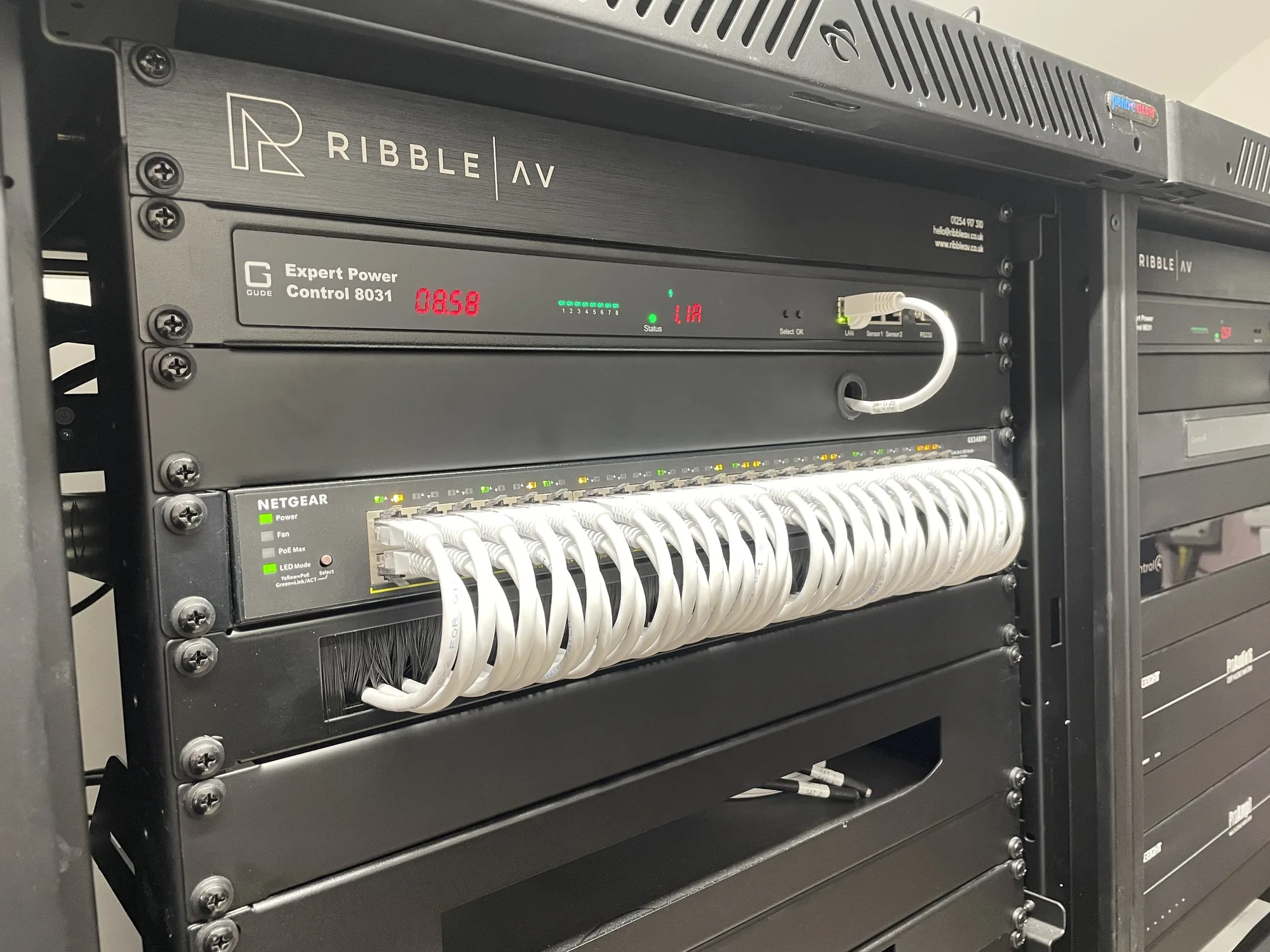
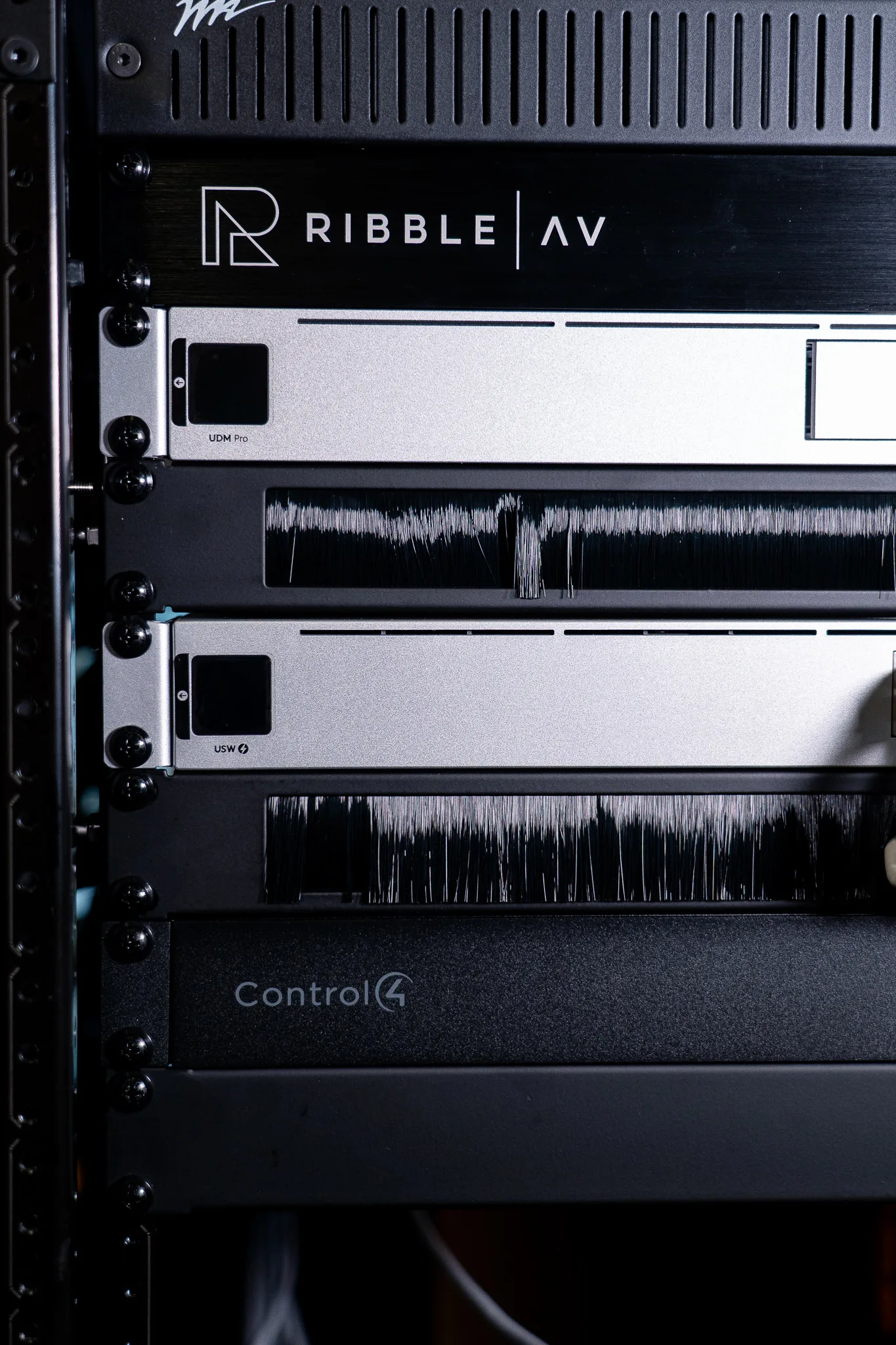
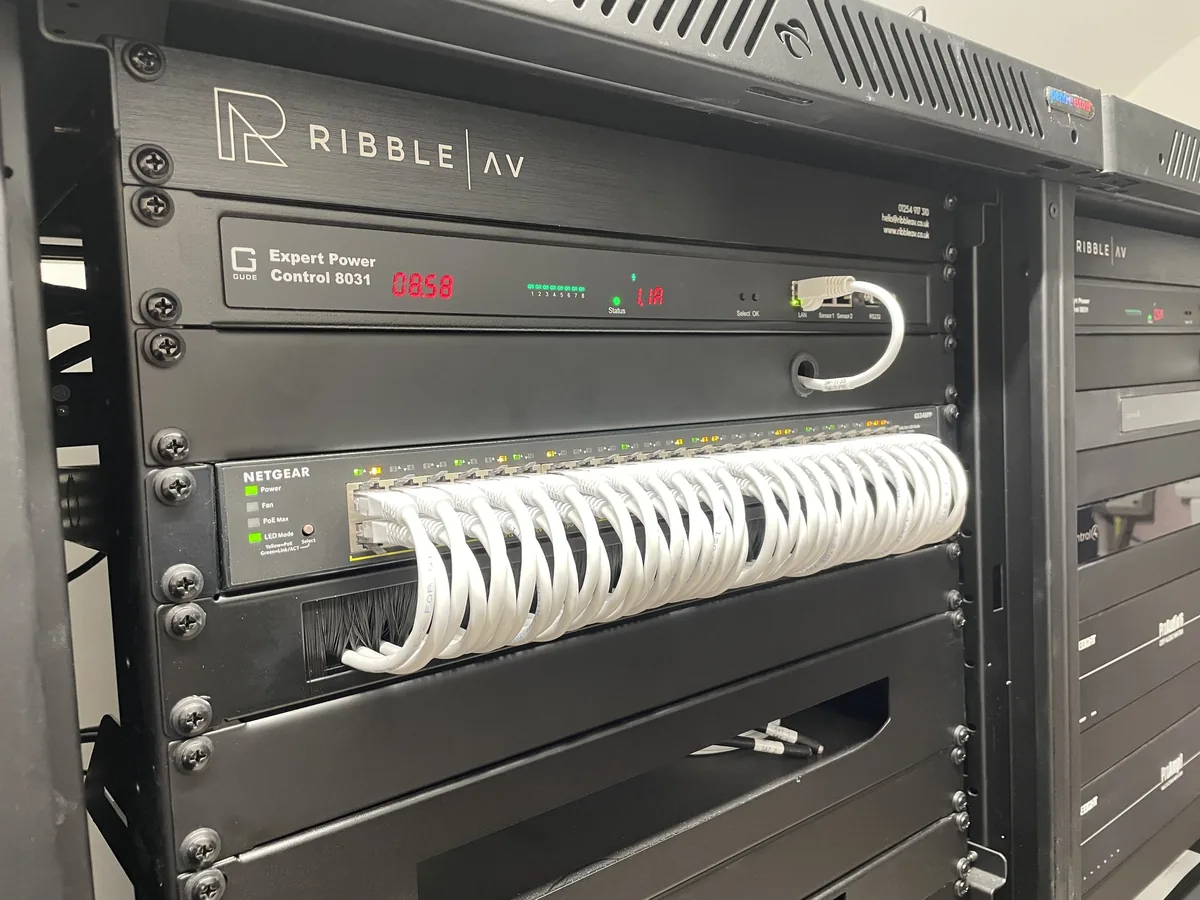
- A ventilated, labelled rack with each service on its own switch port.
- A diagram left behind, so whoever opens that cupboard in three years can read it.
What a network installation includes.
Eight parts of the job, from the coverage survey to the monitoring that watches it afterwards.
Coverage surveys
A measured survey of the building rather than a guess. Stone walls, steel and long plans all eat signal, and the survey shows exactly where.
Wired backbone and cabling
Cat6A to every access point, screen, rack and camera. Wireless is the last three metres, never the whole journey.
Mesh and access points
Ceiling-mounted access points on a single managed network, so devices hand over cleanly as you walk through the house.
Network racks
Ventilated, powered, patched and labelled, with a diagram left in the door. Every other system in the building lands here.
Remote support and monitoring
We watch the network for faults and can fix most things without a visit. You usually hear from us before you notice a problem.
Guest and IoT segregation
Guests, cameras and smart devices on separate networks from the family, so a compromised doorbell stays a doorbell problem.
Bandwidth for 4K streaming
Capacity planned for several 4K streams, video distribution and cinema sources at once, not for a household of one laptop.
Resilience and failover
Backup connections, uninterruptible power on the rack, and sensible failover so a broadband outage does not take the house with it.
Networks behind the work.
Five stages, one team.
The same people survey the house, draw the system, install it and look after it afterwards. Nothing is subcontracted, and nothing is programmed by someone you have never met.
Consultation and survey
An hour or two at the property, looking at the rooms and listening to how you use them. We measure, photograph, and note what the building will and will not allow. No charge, and no obligation at the end of it.
Design and specification
Drawings, a schedule of equipment and a fixed price. Every position is marked, every cable route decided, and the specification is written so your architect, builder and electrician can all work from it.
Project management
We hold the programme alongside the other trades, from first fix to second. Across the Ribble Valley, Lancashire and Cheshire that usually means working around a builder who is already on site.
Installation and calibration
Our own engineers install, dress every cable, and then calibrate to the room rather than to a factory preset. Wi-Fi & networking is set up in the space it lives in, at the time of day it will be used.
Handover and aftercare
A proper handover, documentation, and the same phone number afterwards. Remote monitoring catches most faults before you notice them, and the person who answers already knows your house.
Commercial Wi-Fi for venues and offices.
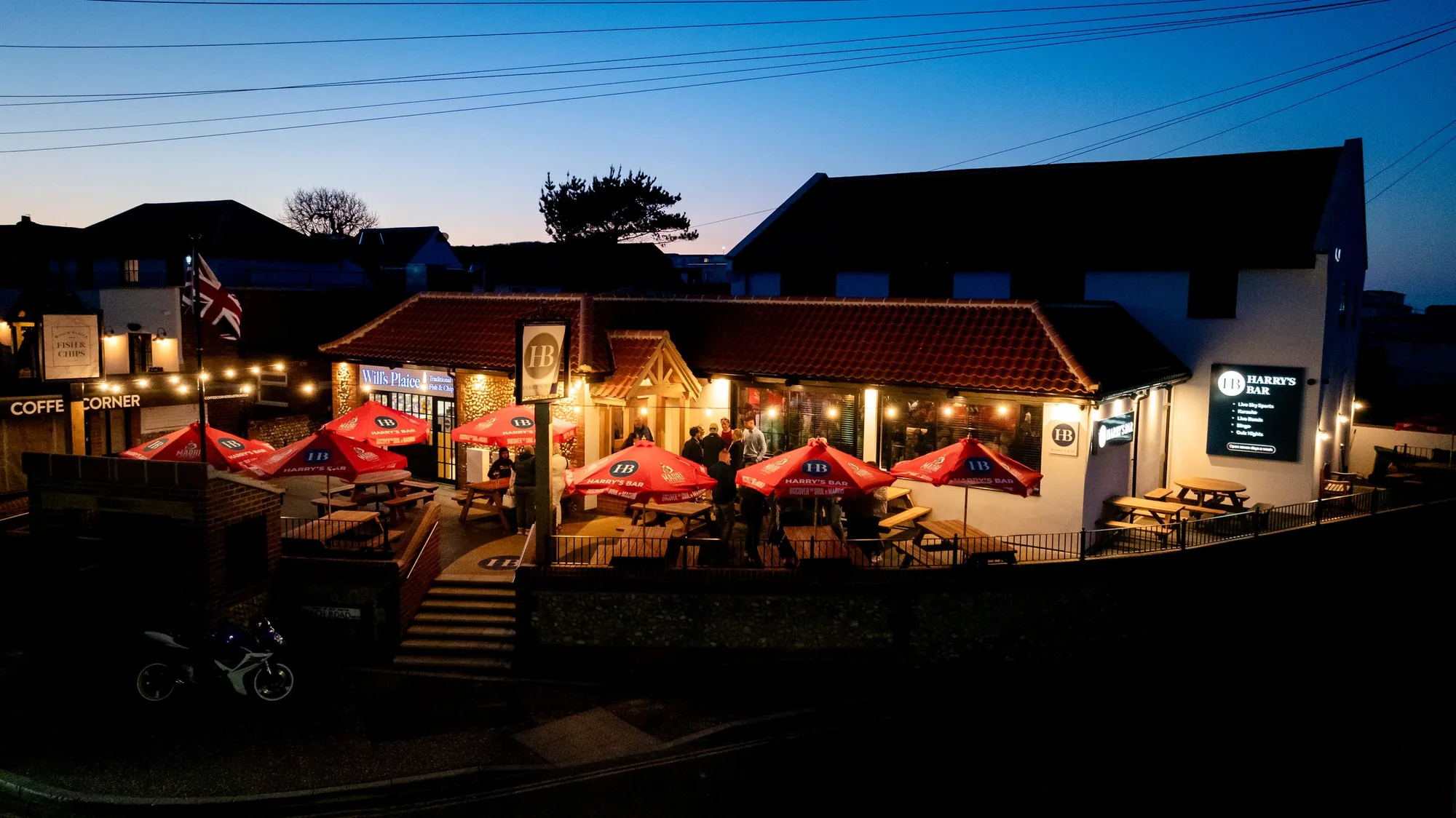
A venue network carries the tills, the card machines, the booking system, the music and the guest Wi-Fi, and those things should not share a network. Commercial Wi-Fi installation starts by separating them, then makes sure the guest side is fast enough that nobody notices it.
We install and monitor networks for bars, restaurants, hotels and offices, with captive-portal guest access, segregated point-of-sale and back-of-house, and remote support so a fault on a Friday night is dealt with before service.
Commercial & hospitality work →Whole-house audio installed across the North West.
Clitheroe, Whalley, Longridge, Waddington, Ribchester, Chipping, Sabden, Downham, Slaidburn, Wiswell, Great Mitton, Hurst Green, Billington, Langho, Clayton-le-Dale
Fulwood, Penwortham, Broughton, Goosnargh, Grimsargh, Longton, Hutton, Lea, Barton, Woodplumpton
Lytham, St Annes, Ansdell, Fairhaven, Wrea Green, Kirkham, Freckleton, Warton, Singleton
Blackburn, Burnley, Accrington, Chorley, Lancaster, Garstang, Ormskirk, Rawtenstall, Padiham, Whitworth
Didsbury, Chorlton, Bowdon, Hale, Sale, Worsley, Prestwich, Ramsbottom, Bramhall, Cheadle Hulme
Knutsford, Wilmslow, Alderley Edge, Prestbury, Mobberley, Tarporley, Tattenhall, Chelford, Goostrey, Nether Alderley
Alderley Edge, Wilmslow, Prestbury, Hale Barns, Mottram St Andrew, Styal, Dean Row, Handforth
Woolton, Allerton, Aigburth, Formby, Crosby, Heswall, West Kirby, Caldy, Blundellsands
Windermere, Bowness, Ambleside, Grasmere, Coniston, Ullswater, Pooley Bridge, Cartmel, Grange-over-Sands, Keswick
Not on the list? Ask anyway. Plenty of our work sits outside the towns above, and a five-minute phone call will tell you whether we are the right people for it.
Systems that usually sit alongside wi-fi & networking.
Networks and Wi-Fi, honestly answered.
Let’s talk about your wi-fi & networking.
We visit, listen, measure, and come back with drawings and a fixed price. No obligation, and no hard sell afterwards.